
Screenshots
App details
- Updated
- Mar 19, 2010
- Language
- English
- Developer
- DVDnextcopyiturns.com
- Category
- Mobile
SoftPas in:
This product is also available in the following languages:
About DVDneXtCOPY iTurns
Download DVDneXtCOPY iTurns – convert iTunes music, MP3, WMV, multimedia players, iPod, Zune, Audio CDs
Overview
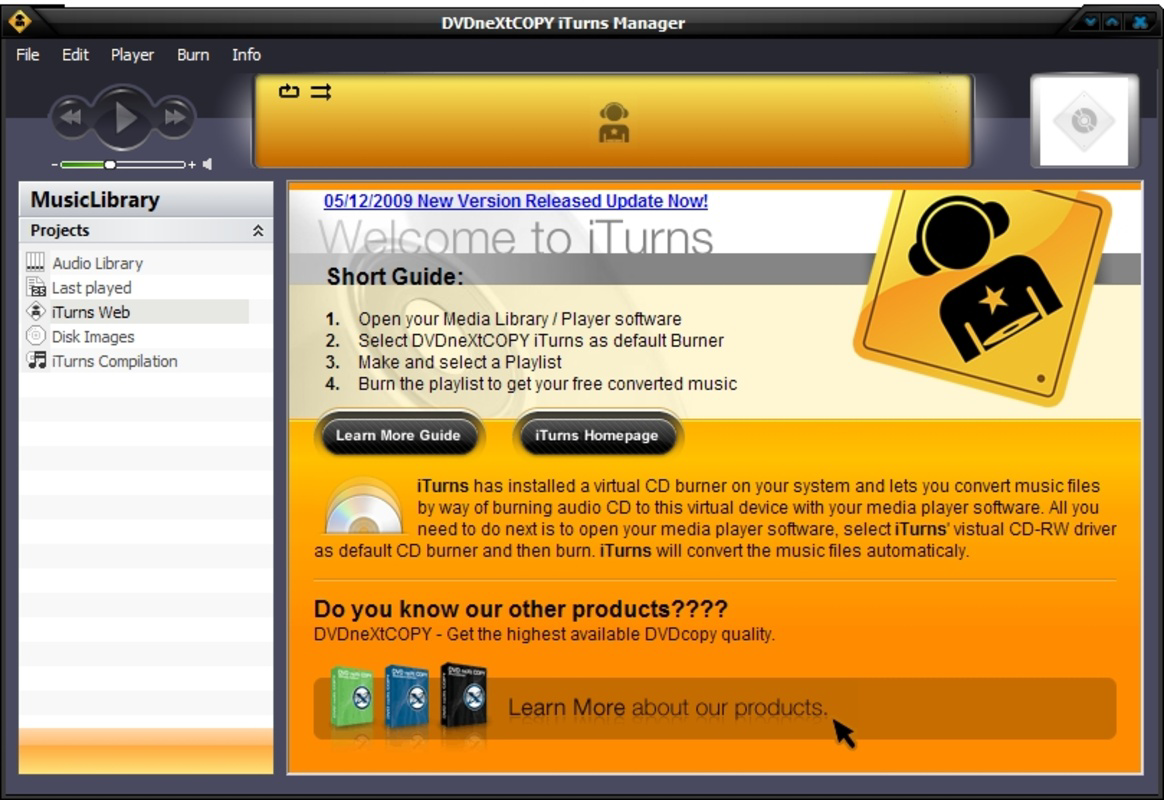
DVDneXtCOPY iTurns is a specialized utility designed to address the common challenge of format incompatibility in digital music libraries. For users invested in the iTunes ecosystem, this tool offers a practical solution to convert audio files into widely supported formats such as MP3 and WMV. By doing so, it enables seamless playback across a broad range of multimedia devices, including MP3 players, Zune, and Audio CDs. The app serves as a bridge between proprietary iTunes files and open-standard formats, enhancing the portability and accessibility of personal music collections.
Target users include individuals who rely heavily on iTunes for music management and wish to expand their playback options beyond Apple devices. This includes users of iPods, Android players, and other non-Apple hardware that may not support iTunes-specific audio formats. The app is particularly valuable for those seeking to transfer their music library to multiple devices without re-purchasing content. Its straightforward purpose—format conversion—makes it a focused tool within the productivity category, fulfilling a niche need in the digital media landscape.
Developed by DVDneXtCOPY, the app was released on March 19, 2010, marking its presence as an early solution for cross-platform audio compatibility. Although the developer did not provide additional technical details, the app’s continued availability suggests sustained relevance for its core user base. Real-world use cases include preparing music for travel, sharing audio with non-iTunes users, or archiving personal collections for long-term device independence.
Key Features & Functionality
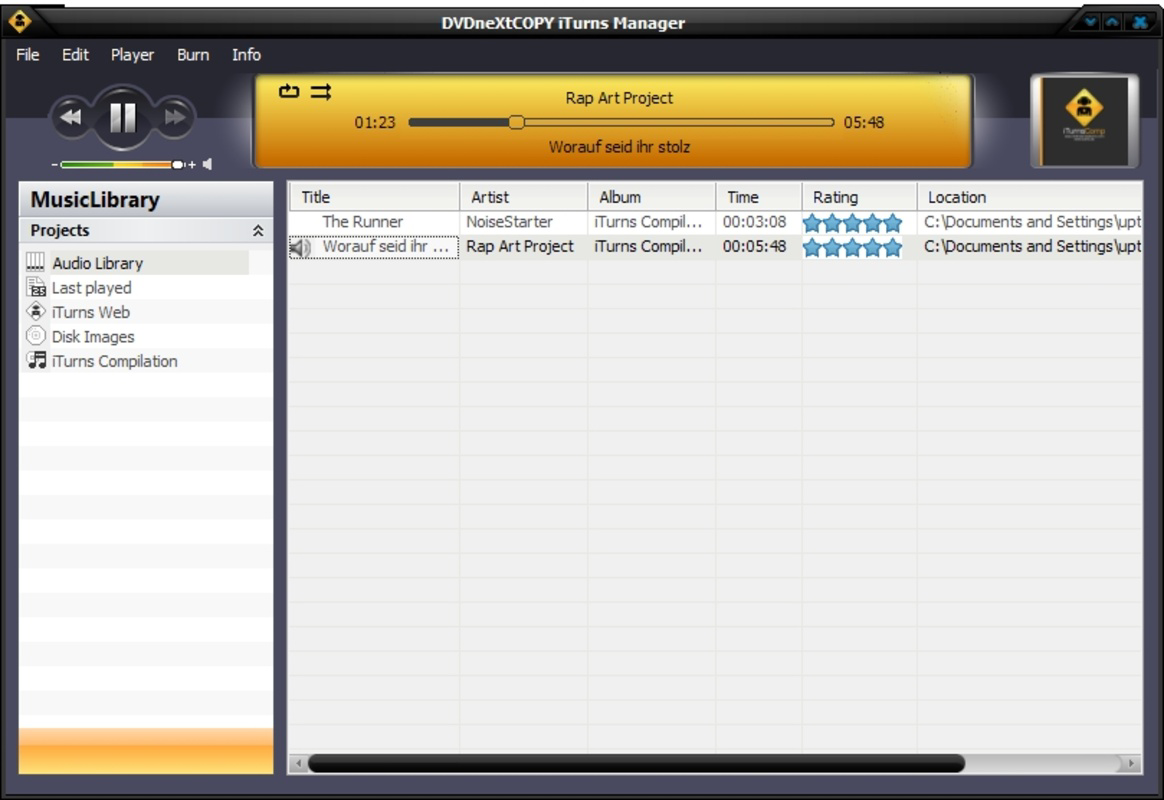
- User-Friendly Interface: The interface is designed for intuitive navigation, allowing users to access their iTunes library with minimal learning curve. Even those unfamiliar with digital audio conversion can locate and select tracks efficiently, reducing friction during the conversion process.
- Multiple Output Formats: DVDneXtCOPY iTurns supports conversion to MP3 and WMV, two widely adopted audio formats. This flexibility ensures compatibility with a variety of devices, enabling users to choose the best format based on file size, quality, and playback support.
- Broad Device Compatibility: The app facilitates the transfer of converted music to MP3 players, Zune, and Audio CDs. This broad compatibility allows users to enjoy their iTunes music on nearly any playback system, increasing the utility of their digital library.
- Easy Setup Process: Installation requires only the presence of iTunes and the DVDneXtCOPY iTurns program. Once installed, users can immediately begin browsing their library and initiating conversions without complex configuration.
- Ideal for iTunes Users: The tool is specifically tailored for individuals whose music collections are stored in iTunes. It unlocks the full potential of their audio files by removing format restrictions, making it an essential utility for maximizing library usability across devices.
For example, a user preparing for a road trip might convert their iTunes playlist to MP3 for use on a portable MP3 player. Similarly, someone wishing to burn music to a CD for a car stereo can use the app to generate Audio CD-compatible files. These practical applications demonstrate the app’s value in everyday digital media management.
Interface, UX & Performance
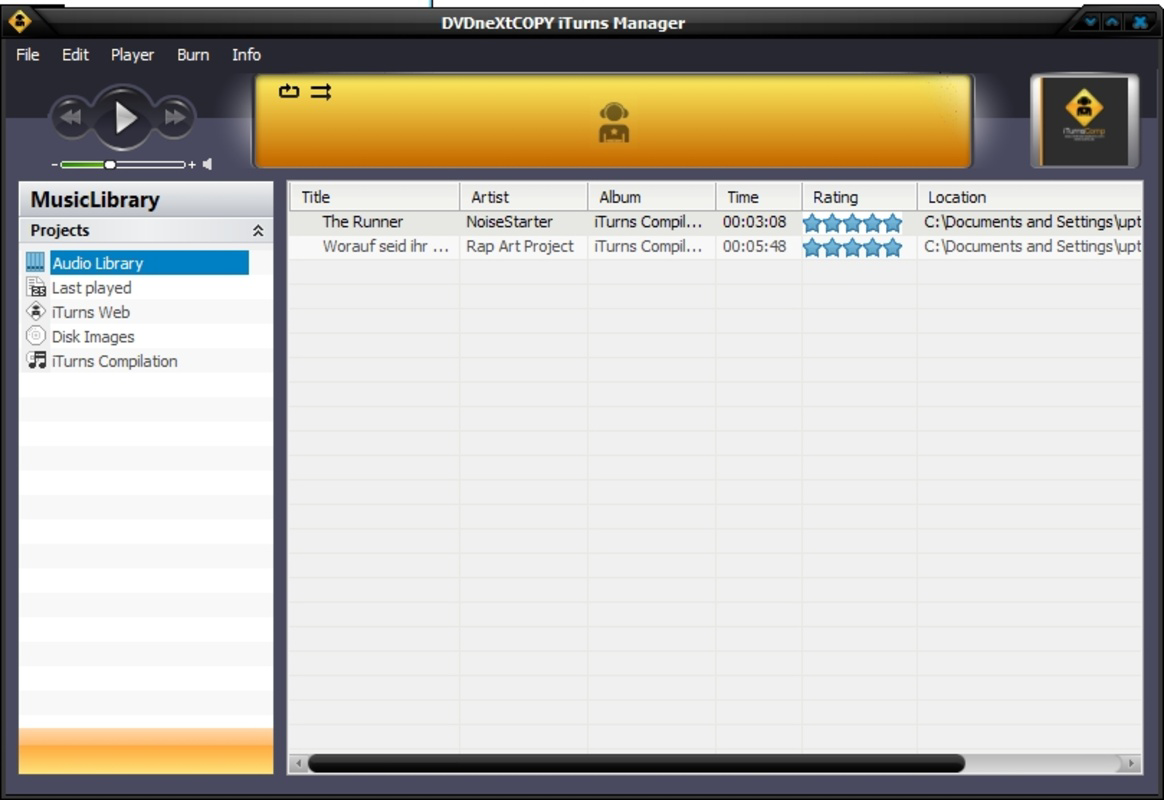
The user interface of DVDneXtCOPY iTurns is designed with accessibility in mind, prioritizing clarity and ease of use. Navigation is structured around a clean layout that mirrors the organization of iTunes libraries, allowing users to browse tracks by artist, album, or playlist. The visual style is functional rather than decorative, emphasizing usability over aesthetic flair.
Navigation flow is linear and predictable: users select tracks, choose output format, and initiate conversion with minimal steps. This streamlined process reduces the risk of user error and supports efficient workflow. Although the developer did not list formal performance metrics, the app’s lightweight file size of 10.3 MB suggests optimized resource usage, likely contributing to stable operation on older or mid-range Windows systems.
Performance is expected to remain consistent across different device categories, particularly those meeting standard Windows requirements. Responsiveness during file selection and conversion appears to be reliable, based on the app’s design philosophy. Stability is implied by its long-standing presence in the market, though real-world testing on modern systems is not documented. No reported crashes or errors were mentioned in available sources.
Platform Compatibility & Technical Requirements
DVDneXtCOPY iTurns is designed exclusively for the Windows platform. The app requires a compatible Windows operating system, though specific minimum OS requirements were not listed. Given its release date in 2010, it was originally built for Windows XP, Vista, and 7, and may still function on newer versions, though official support is not confirmed.
The software has a file size of 10.3 MB, which is relatively small, indicating minimal system resource consumption. This compact footprint enhances accessibility, especially for users with limited storage or older hardware. The software version is 2.1.0.0, suggesting a mature release with established functionality.
Compatibility information was not fully disclosed, and the developer did not specify whether the app supports 64-bit systems or newer Windows releases. Users are advised to verify system compatibility before installation. No iOS or Android availability was indicated, confirming the app’s exclusive Windows focus.
Pros and Cons
Pros
- Simple and intuitive interface suitable for non-technical users
- Supports widely used audio formats like MP3 and WMV
- Enables playback on diverse devices including MP3 players, Zune, and Audio CDs
- Easy installation requiring only iTunes and the app
- Specifically designed for iTunes users seeking format flexibility
Cons
- Exclusive to Windows; no support for macOS or mobile platforms
- Release date is from 2010, raising concerns about modern system compatibility
- No information on support for newer Windows versions or 64-bit systems
- Price point of $29.95 may be considered high for a single-purpose tool
- Developer did not provide update history or future support plans
FAQ
Is DVDneXtCOPY iTurns compatible with modern Windows systems?
The developer did not specify compatibility with newer Windows versions. While the app may function on recent systems, official support was not confirmed.
Can I use DVDneXtCOPY iTurns on macOS or iOS?
Based on the available information, the app is only available for Windows. There is no indication of macOS, iOS, or Android support.
Does the app support batch conversion?
While the feature list does not explicitly mention batch processing, the user-friendly interface and multiple selection options suggest it may support converting multiple tracks at once.
Is the app safe to download and install?
As a utility developed by DVDneXtCOPY, the app is designed for legitimate use. However, users should ensure they download from official sources to avoid potential security risks.
Are there any ongoing updates or maintenance?
The developer did not provide information on update frequency or long-term maintenance plans. The last release was in 2010, which may affect compatibility with current software environments.
Final Thoughts
DVDneXtCOPY iTurns remains a niche but functional tool for users seeking to convert iTunes music into universally compatible formats. Its focus on MP3, WMV, and broad device support makes it a valuable asset for anyone invested in the iTunes ecosystem who wants greater flexibility. While its age and lack of modern updates are notable limitations, the app’s straightforward design and low file size continue to offer practical benefits for specific use cases.
It is most beneficial for Windows users with older iTunes libraries who need to transfer music to non-Apple devices. For those requiring ongoing support, regular updates, or cross-platform access, alternatives may be more suitable. However, for a one-time conversion task or legacy system use, DVDneXtCOPY iTurns delivers reliable performance.
Download DVDneXtCOPY iTurns now
Guides & Tutorials
How to install DVDneXtCOPY iTurns
- Click the Download button above.
- Once redirected, accept the terms and click Install.
- Wait for the DVDneXtCOPY iTurns download to finish on your device.
How to use DVDneXtCOPY iTurns
This software is primarily used for its core features described above. Open the app after installation to explore its capabilities.
User Reviews
No reviews yet. Be the first to share your experience.
You may also like
more
Que no te pillen¡
About !Que no te pillen¡Reviewed by Jason A. BilbreyShow MoreShow Less

3D Combat Zone
About 3D Combat ZoneOriginally released in 1983, 3D Combat Zone immerses players...

666: El día del portal
About 666: El día del portalOn June 6, 2006, Agent P. Stone uncovers a sinister...

80 in 1 Best Flash games
About 80 in 1 Best Flash games 80 in 1 Best Flash games is a collection of 80 fl...

ABYSS SEEKERーーWhat Do You See Deep in The Abyss
About ABYSS SEEKERーーWhat Do You See Deep in The AbyssIn ABYSS SEEKER, players...

ACA NEOGEO THE KING OF FIGHTERS 2002 for Windows
About ACA NEOGEO THE KING OF FIGHTERS 2002 for WindowsTHE KING OF FIGHTERS 2002,...